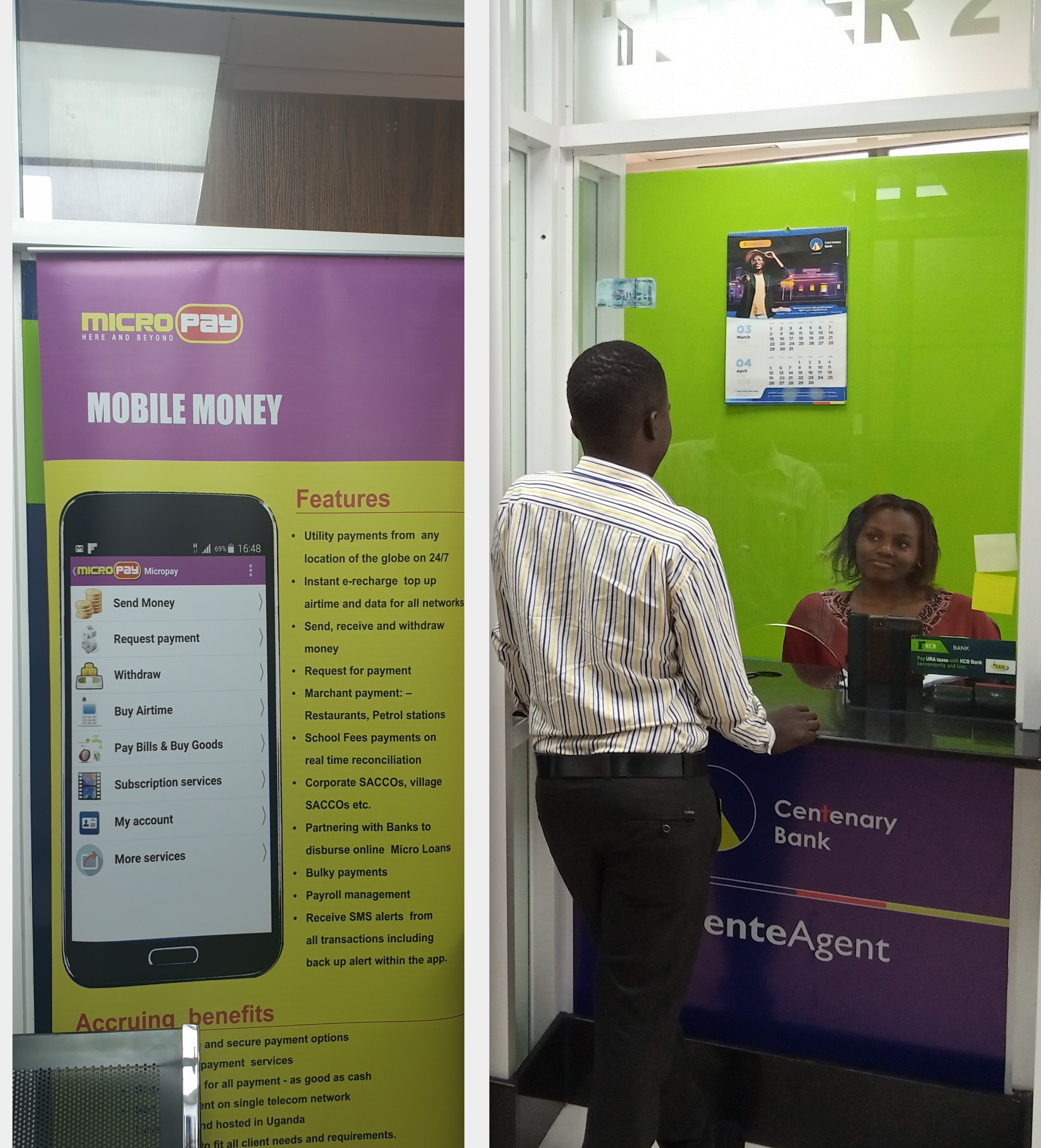
Request payments from anyone, anywhere
Send a payment request to another MicroPay customer on any mobile money network. Get notified the moment it's fulfilled — no chasing, no delays.
Request payments with zero friction
Cross-Network
Request from every major mobile money network — one account handles all.
Instant Alerts
Get notified the moment your request is fulfilled — no follow-ups, no guessing, no delays.
Only a Smartphone is Needed
Respond to a payment request straight from the MicroPay app on your smartphone.
Instant Access to Funds
Funds from fulfilled requests are available immediately. Withdraw, transfer, or spend right away.
Full Transaction History
Every request and fulfilment is logged with timestamp, sender, and amount — always auditable.
How to request a payment
Select Request Payment
Open the MicroPay app and select the Request Payment option from the menu.
Enter customer details
Input the customer's number or recipient details for the payment request.
Enter amount
Type in the amount you wish to request from the customer.